Find My License Code
Choose the option that matches your situation.
Before Your First Activation
Your license code is sent to your email. Check your inbox and spam/junk folder. If you cannot find the email, contact the seller you purchased from.
On Your Phone
Sign in to this website with the account that was signed in to SwingEZ when the license was activated on that PC. It may not be the email your code was sent to. Open Account → Licensed PCs → Details to view and copy the license code.
On an Activated PC
In SwingEZ, open Game Settings → License. The code activated on that PC is shown there.
If Activation Fails
SwingEZ shows the reason in red under the code boxes.
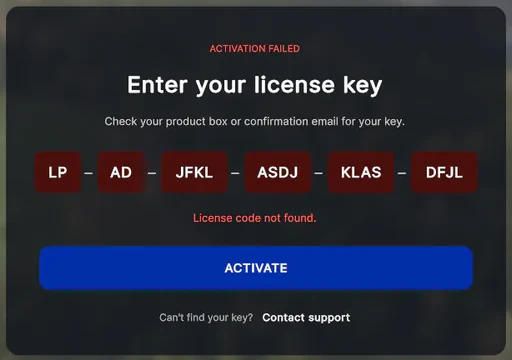
“License code not found.”
Check the code for typos or missing characters, and make sure it is the code that was sent to you.
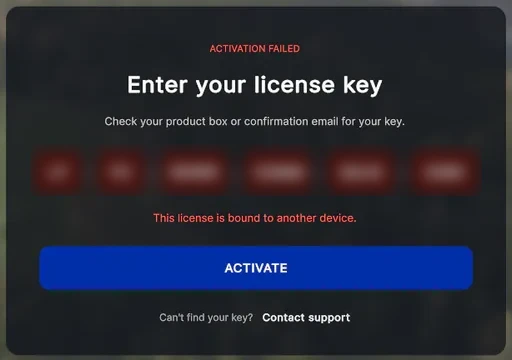
“This license is bound to another device.”
The code is still active on another PC. Deactivate it there, then activate this PC again: in SwingEZ on the old PC open Game Settings → License, or on this website open Account → Licensed PCs and press Deactivate PC. Moving to a new PC? Deactivate the old one first.
Licensed PCs lists only currently activated PCs. Do not deactivate a license just to check its code.
More Details in the User GuideStill Need Help?
If SwingEZ is running, report it in the app: profile icon → Settings → Customer Support → Report a problem. Your logs and system info go to our support team automatically. You need to be signed in.
If SwingEZ won't start or you can't sign in, email us with a photo of the screen:
service@laonpeople.com